
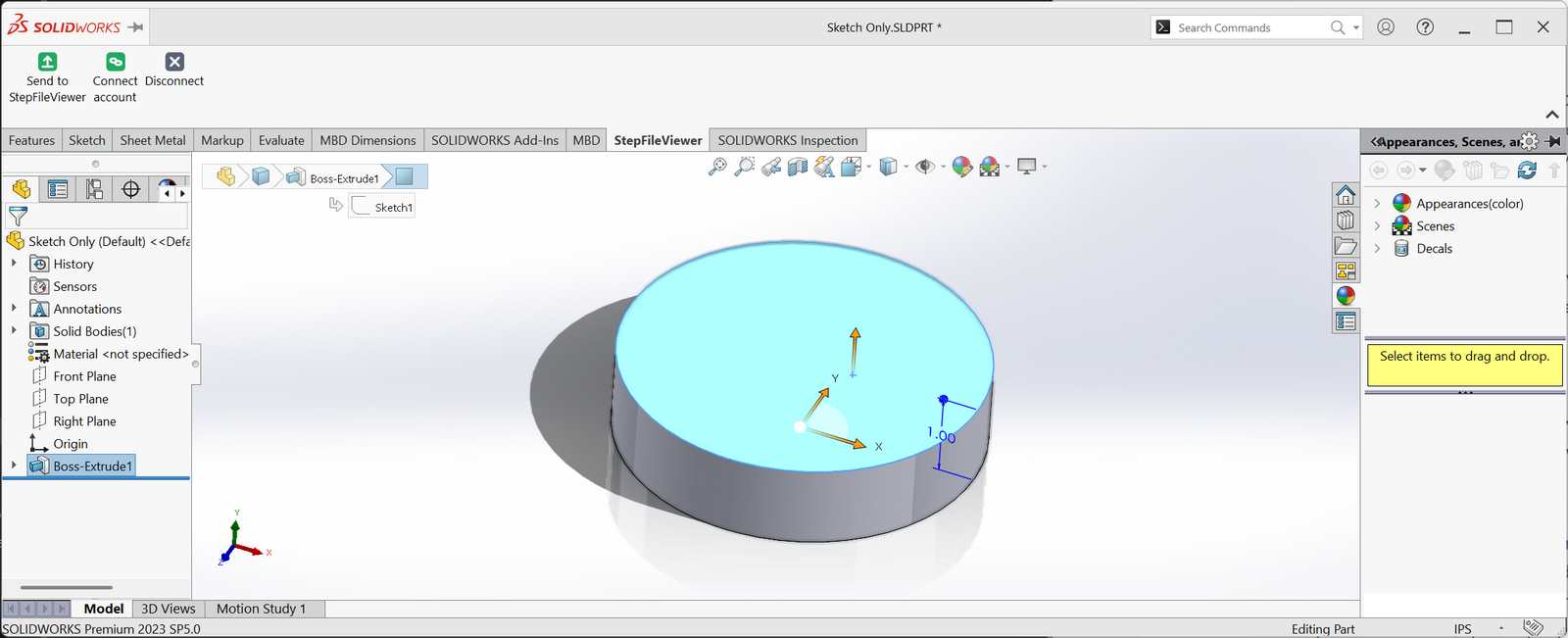
Send Your SOLIDWORKS Model to Anyone With One Click
Update, October 16, 2026: we’ve moved to our new address, STEPFILE.com, and version 0.7.3 of the add-in goes with it: it sends straight to STEPFILE.com, and its tab and button now say STEPFILE.com. Download 0.7.3 and run it over the version you have. If you connected before, you stay connected. (Version 0.7.2 fixed the “didn’t send back a connection key” message some of you saw on Connect account.)
Count the clicks it takes to get a part out of SOLIDWORKS and in front of a customer. File, Save As, pick STEP from a list of forty formats, remember which AP version the last guy complained about, pick a folder you’ll never find again, open your email, attach it, discover it’s too big, zip it, attach it again, and type “let me know if you can’t open this.” Then wait for the reply that says they can’t open it.
We do this all day. We’re a fabrication shop, and every table, fixture, and weldment we build starts as a model somebody else needs to look at. So we built a button.
One Button, Three Jobs
The free STEPFILE.com add-in puts a STEPFILE.com tab inside SOLIDWORKS. Open a part or assembly, click Send to STEPFILE.com, and one window does what used to take a dozen steps:
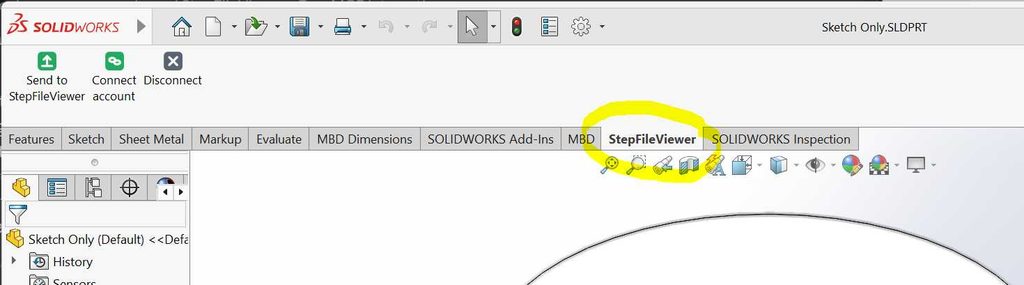
- Export. The model goes out as STEP AP242, the current version of the standard, which carries colors and assembly structure. You don’t pick a format. We picked the right one.
- File it. Give it the name your customer should see and drop it in a folder in your STEPFILE.com account, or make a new folder right there.
- Share it. Everyone with the link, specific people by email, or one of your groups. Choose whether they can download, measure, see attachments, or comment. Set an expiry. On paid plans, add a password.
Click Send and you get a link. Your customer clicks it and the model opens in their browser, on their phone, on whatever they’ve got, with nothing to install. No “I can’t open this.” No 400 MB viewer download. No attachment bouncing off a mail server.
Free, Like The Rest Of It
The add-in is free with any STEPFILE.com account, free or paid. It runs on Windows 10 or 11 with SOLIDWORKS installed; we’ve tested it on SOLIDWORKS 2023. Installing takes about two minutes and one Windows approval prompt. Download it and follow the steps here.
One heads-up: the add-in isn’t code-signed yet, so Windows will warn you it doesn’t recognize the publisher. Click More info, then Run anyway. That’s Windows being cautious about a brand new download, and signing is on our list.
Like everything else on this site, it’s built by Texas Metal Works, a shop that got tired of emailing STEP files into the void. If it breaks, tell us. We’ll probably have hit the same thing by lunch.
Stop Attaching STEP Files. Send a Link.
Free add-in, free account, two-minute install.
SOLIDWORKS is a registered trademark of Dassault Systèmes SolidWorks Corporation. STEPFILE.com isn’t affiliated with or endorsed by Dassault Systèmes.