Measure Hole
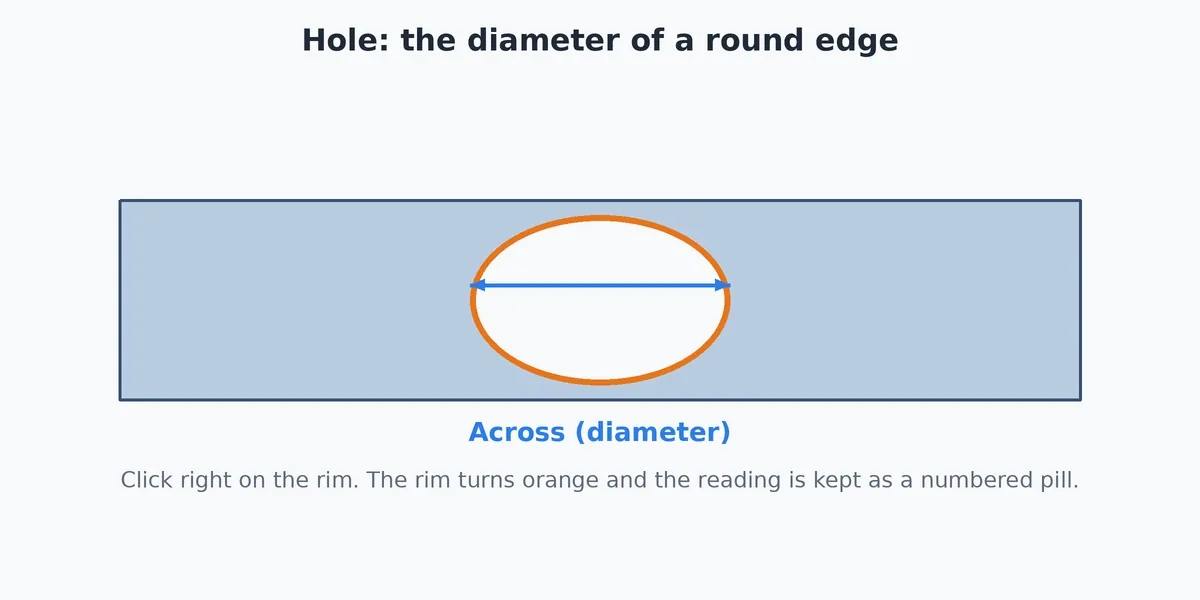
Hole Size reads the diameter of a round hole or any round edge. The button is named Hole Size, on the Measure tab. It does not change the model.
Step by Step
- Click the Measure tab, then Hole Size. The readout says "Tap a round hole or curved edge."
- Click right on the rim of the hole. The rim turns orange and the diameter is written at the center of the circle.
- The readout says Diameter, then gives the radius. A rough circle also says how far off it is ("a rough circle, off by about 0.0001 in").
- The result is kept as a numbered pill. See Kept Measurements.
Tips and Common Problems
- The readout says "That is a straight edge, not round." Hole Size only reads round edges. It tells you the length of the straight edge instead; use Measure Edge for that.
- I get "No edge there. Tap right on a line." Click on the rim line itself, not inside the hole.
- An arc, not a full circle. Hole Size fits a circle to the arc you clicked and reports that circle's diameter.
- The number is off by a tiny amount. The model draws circles as many short straight pieces, so the fit has a small error. The readout tells you the size of that error.
- I want the round edge's length. Use Measure Edge; on a round edge it also shows the width across.