Perimeter Circle
Draws the circle that passes through three points you click. Use it when you know three places on the rim but not the center.
When to Use It
- Matching a round part from three measured points on its edge
- A circle that must pass through points you already have
- Any time the center is not a convenient place to click
Step by Step
- Open a sketch on a plane or a face (see Planes and Faces). Sketching is part of modeling, which comes with the Pro plans.
- On the Sketch tab, click Circle. In the flyout, click Perimeter Circle.
- Click the first point on the circle.
- Click the second point on the circle. A dashed line joins the two while you move on.
- Move the mouse to the third point. A preview circle through all three follows the mouse. Click to place it.
- The circle is selected and a Dia box opens ready to type. Type a size such as
2 inand press Enter to resize it, or press Enter to keep the circle as drawn.
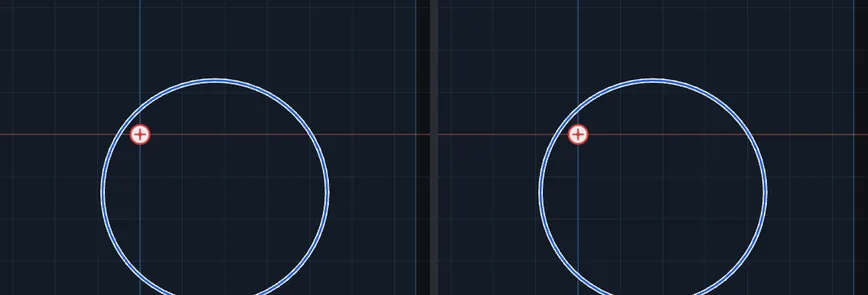
Options
- Construction Geometry: tick the box at the bottom of the Circle flyout first and the circle is drawn dashed, as layout geometry that is never cut or extruded.
Tips and What to Expect
- If the three points are in a straight line, or very nearly, no sensible circle passes through them and a message says Those three points are almost in a straight line; no sensible circle passes through them. Move one. The test is by shape, not by size, so it works the same on a tiny sketch and a large one.
- The result is an ordinary circle. The three points you clicked are not kept, so moving the circle later does not drag them. To hold the circle to a point, select the point and the circle and add a relation (see Relations).
- Esc after the first or second click cancels the circle. Esc on the Dia box right after drawing removes the circle, so press Enter to keep it. One Undo takes it back.
- Double-click the circle at any time to open its size box again.
Related Tools
- Line, Circle, Rectangle, Arc, and Construction for the plain circle
- Polygon, which is sized by a circle
- Centerpoint Arc